Working with Multiple Environments: Build Once, Promote Everywhere, Tag It All
How to actually run dev, test, demo, and production: promote one immutable artifact, configure per stage instead of rebuilding, organize resources with tags and resource groups across AWS, Azure, and Google, and handle logging without breaking GDPR.
Once you accept that you need separate stages, a new question appears: how do you run them well? Stages only protect you if a change moves through them in a controlled way, if each one is configured for its job, and if you can tell them apart across your bill and your dashboards. This guide covers the practical habits: promote one artifact, configure per environment, label everything, and keep logging useful without turning it into a legal problem. If you have not yet decided you need stages, start with why you need deployment stages .
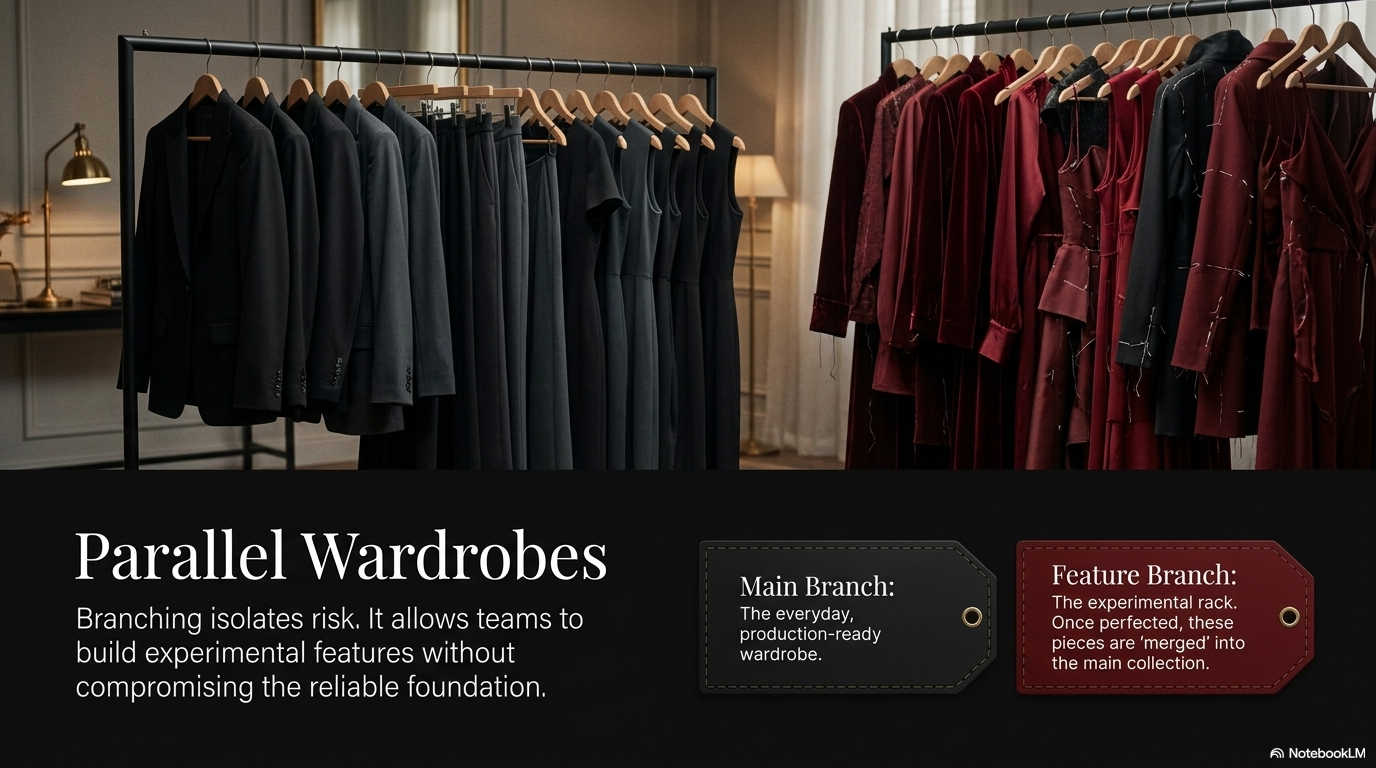
Build once, promote the same artifact
This is the single most important habit, and the one that would have saved the meeting in the stages guide .
An artifact is the packaged, runnable output of a build: a container image, a zipped function bundle, a compiled binary. The rule is to build that artifact one time, give it a version, and move that exact same artifact forward through your stages. You do not rebuild it for each environment.
Why this matters: if you rebuild for each stage, the builds can differ. A dependency releases a new version overnight, and your production build quietly pulls it while your tested build did not. That is the classic “it worked in test” failure. Promoting one artifact means the thing you showed in demo is byte-for-byte the thing that reaches users. This is the practical side of immutable infrastructure , and it is what a good CI/CD pipeline automates.
A concrete version: your pipeline builds myapp:1.4.0 once. Demo runs myapp:1.4.0. When it passes, production is pointed at myapp:1.4.0. The next experiment becomes myapp:1.5.0-dev and never touches demo until you promote it.
Configure environments, do not rebuild them
If the artifact is identical everywhere, the differences between stages live in configuration, not in code. This is the separation that twelve-factor calls config in the environment.
The same artifact reads its settings at startup from the environment it lands in:
# The artifact is identical. Only the injected config changes per stage.
# dev
STAGE=dev        DB_URL=$DEV_DB_URL        LOG_LEVEL=debug
# demo
STAGE=demo       DB_URL=$SHARED_DB_URL     LOG_LEVEL=info
# production
STAGE=production  DB_URL=$SHARED_DB_URL     LOG_LEVEL=warn
Do not paste secrets into env vars by hand. Each cloud has a managed store for configuration and secrets:
- AWS: SSM Parameter Store for plain config, Secrets Manager for credentials.
- Azure: App Configuration for settings, Key Vault for secrets.
- Google Cloud: Runtime Config or environment variables, Secret Manager for secrets.
The stable demo comes directly from this. Your demo environment is pinned to a released artifact version and its own config. It does not auto-deploy whatever is in dev. You promote to demo on purpose, only when a change works. That single rule is what keeps a live experiment from ever appearing in front of a customer.
The serverless trick: stage the pipelines, share the data
The stages guide makes the cost point: with serverless you duplicate the cheap part (pipelines and functions) and share the expensive part (stored data). Here is how that looks in practice.
Use a separate account or project per stage for a clean blast radius, then let the lower stages read the real data store across accounts with a read-only role:
# Example shape: dev functions assume a read-only role into the data account.
# AWS: the data bucket's policy grants read to the dev account's role.
aws s3api put-bucket-policy --bucket prod-data-store --policy '{
  "Statement": [{
    "Effect": "Allow",
    "Principal": {"AWS": "arn:aws:iam::DEV_ACCOUNT_ID:role/pipeline-role"},
    "Action": ["s3:GetObject"],
    "Resource": "arn:aws:s3:::prod-data-store/*"
  }]
}'
One caution. Cross-account read access to real data is convenient, but if that data contains personal information, reading it from a dev pipeline can be a GDPR problem. See the logging and data section below. Where personal data is involved, point dev at anonymized or synthetic data instead, and reserve cross-account reads for data that carries no personal information.
Label everything: tags, resource groups, and projects
Within a few weeks you will have dozens of resources spread across stages, and maybe across clouds. You need to answer four questions instantly: what is this, which stage does it belong to, who owns it, and what does it cost? Labels are the answer, and each cloud has its own primitives.
- AWS uses tags, which are key-value pairs you attach to almost any resource. Turn on cost allocation tags to break the bill down by tag. Resource Groups let you view and act on everything sharing a tag. The strongest isolation is a separate AWS account per stage, managed under AWS Organizations.
- Azure uses resource groups as a hard container: every resource lives in exactly one resource group, which makes per-environment grouping natural. Add tags on top for cost and ownership, use management groups to apply policy, and often a separate subscription per environment.
- Google Cloud uses labels for key-value metadata, and the strong boundary is a separate project per environment, since the project is GCP’s main isolation and billing unit. Folders group projects.
The trick that makes hybrid and multicloud manageable is a single, consistent taxonomy applied everywhere. Use the same keys on every cloud:
# AWS
aws resourcegroupstaggingapi tag-resources \
  --resource-arn-list arn:aws:lambda:eu-central-1:123:function:ingest \
  --tags Environment=demo,Application=ingest,Owner=linda,CostCenter=rnd,DataClass=none

# Azure
az resource tag --tags Environment=demo Application=ingest Owner=linda CostCenter=rnd DataClass=none \
  --ids /subscriptions/.../resourceGroups/demo-rg/providers/Microsoft.Web/sites/ingest

# Google Cloud
gcloud run services update ingest --region=europe-west1 \
  --update-labels=environment=demo,application=ingest,owner=linda,costcenter=rnd,dataclass=none
How the three clouds organize environments
| AWS | Azure | Google Cloud | |
|---|---|---|---|
| Strong isolation unit | Account | Subscription | Project |
| Grouping construct | Resource Group, Organizations | Resource Group, Management Group | Folder, Project |
| Metadata mechanism | Tags | Tags | Labels |
| Secrets store | Secrets Manager | Key Vault | Secret Manager |
| Cost breakdown | Cost allocation tags | Tags and subscriptions | Labels and projects |
For deeper governance, see cloud governance on AWS and AWS vs Azure governance .
Hybrid and multicloud: one taxonomy to rule them
If you run across more than one cloud, or cloud plus on-premises, the consistent taxonomy is what holds it together. A monitoring or cost tool can only group resources it can join on a shared key. When Environment, Application, and Owner mean the same thing in every account, subscription, and project, a single dashboard can show “all demo resources, everywhere” and “total cost of the ingest app across clouds”. Without a shared taxonomy, multicloud monitoring becomes manual spreadsheet work. The multicloud strategy guide
covers the wider tradeoffs.
Monitoring and observability per environment
Tags are also how you keep observability sane across stages.
- Give each environment its own dashboards and alerts. You watch production closely. You do not want to be paged at 2am because a dev experiment threw errors on purpose.
- Filter every view by the
Environmenttag so production signal is never mixed with dev noise. - Across clouds, correlate using the shared taxonomy. The tag is the join key that lets one tool show the whole picture.
The three pillars of logs, metrics, and traces are covered in observability , and the AI-specific version in the full-stack observability guide .
Logging: what you need per environment, and the GDPR trap
Logging is where environments differ the most, and where the most expensive mistakes hide.
In development you want loud logs: debug level, full request and response bodies, complete stack traces. You are hunting bugs, and detail is your friend.
In production you want the opposite: low-noise logs (info or warning), no secrets, and no personal data you do not strictly need. The detail that helps you debug in dev becomes a liability in production.
The reason is GDPR and similar privacy law. The moment your logs contain personal data, names, emails, and in many cases IP addresses, those logs become a store of personal data with real obligations:
- Data minimization. You should only hold personal data you actually need. Verbose production logs that capture full request bodies usually capture personal data by accident.
- Retention limits. Personal data cannot be kept forever. Production logs need short, enforced retention. Dev logs should not contain real personal data in the first place.
- Right to erasure. If a person asks to be deleted, personal data sitting in months of log files is in scope and hard to remove.
- Data residency. Personal data may need to stay in a region. Logs shipped to a tool in another region can break that.
The single biggest trap is the convenient one: copying production data into dev to reproduce a bug. That moves real personal data into a less-controlled environment for a new purpose, which is exactly what the regulation forbids. Use synthetic or anonymized data in dev instead.
Practical rules that keep logging useful and lawful:
| Practice | Development | Production |
|---|---|---|
| Log level | Debug, verbose | Info or warning |
| Request and response bodies | Allowed, with synthetic data | Redacted or omitted |
| Personal data and secrets | None real, use synthetic | Masked or never logged |
| Retention | Short, low volume | Short and enforced |
| Data location | Anywhere | Region-pinned for residency |
For the governance side, see data sovereignty , the data protection impact assessment , and the role of the data processor .
Best-practice checklist
- Build the artifact once, version it, and promote the same bytes through every stage.
- Keep config out of the build. Inject it per environment from a managed secrets and parameter store.
- Pin demo to a released version. Never auto-deploy dev experiments to the environment you show customers.
- Use a separate account, subscription, or project per stage for isolation, and share expensive data across them rather than copying it.
- Apply one consistent tag and label taxonomy (
Environment,Application,Owner,CostCenter,DataClass) across every cloud. - Separate dashboards and alerts per environment, and filter by the environment tag.
- Log loud in dev with synthetic data, quiet in production with no unnecessary personal data, and never copy production personal data into dev.
Further reading
- Why you need deployment stages : the beginner case for separate environments, and when you first need them.
- The twelve-factor app for AI : the discipline of config in the environment and stateless processes.
- CI/CD for AI projects : the pipeline that builds once and promotes automatically.
- Immutable infrastructure : why you replace rather than modify running systems.
- Multicloud AI strategy : the tradeoffs of running across more than one cloud.
- Full-stack observability for AI systems : monitoring, logging, and tracing across your environments.
- Cloud governance on AWS : accounts, tags, and guardrails at scale.