What is Vibe Coding?
Vibe coding is building software by describing what you want in plain language and letting AI write the code. Here is how to do it well.

What actually changed
Before large language models, if you wanted to build software and could not code:
- Option 1: Learn to code, months to years of study
- Option 2: Hire a developer, expensive, slow, and you still had to describe exactly what you wanted
Now there is a third option: describe what you want to an AI that understands context, writes code in dozens of languages, and can explain every decision it makes.
The barrier to building a working prototype dropped from months of study to a weekend of focused effort. This is not hype, it is a real shift that is already changing who builds software and what gets built.
The vibe coding workflow
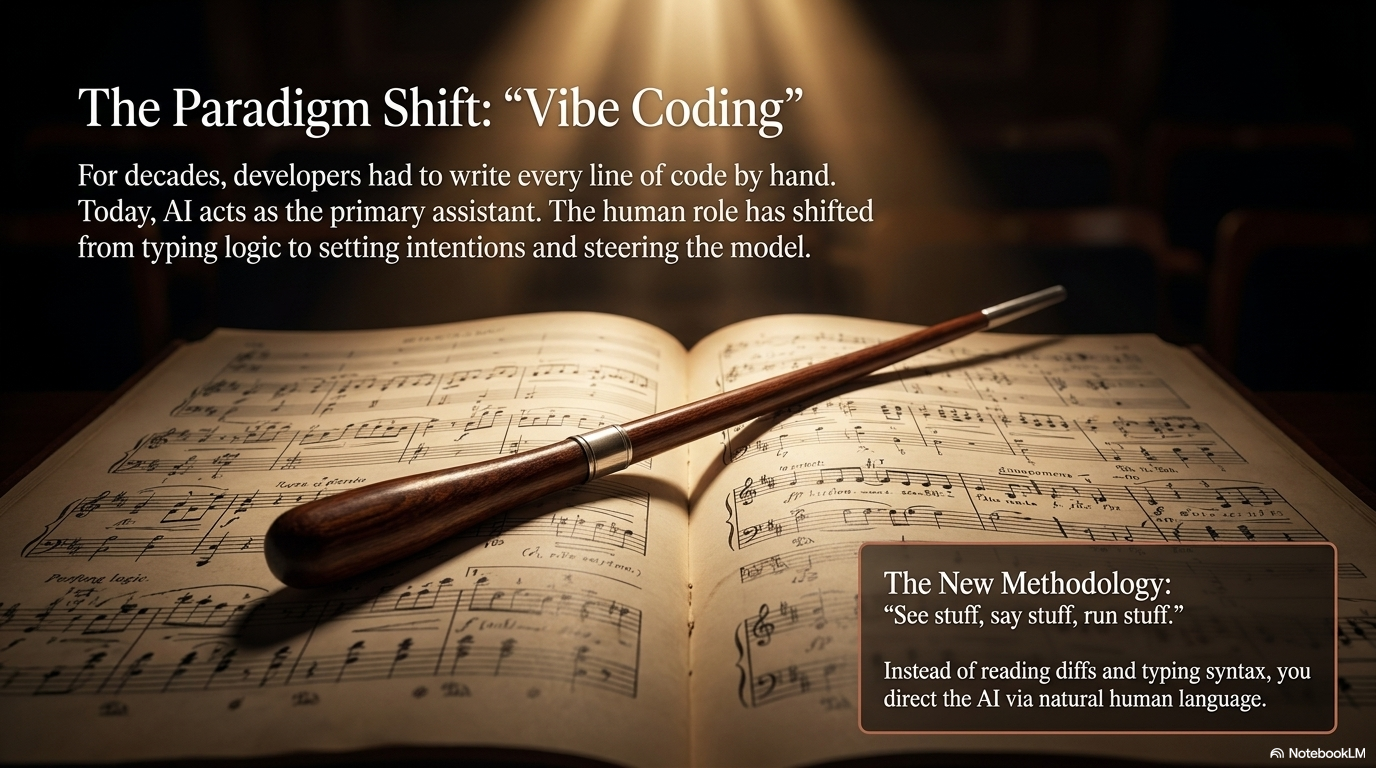
Vibe coding is not “prompt once, ship forever.” The reality is iterative:
1. Describe your idea precisely
The quality of what you get depends entirely on the quality of your description. Compare:
- Bad: “Make a budgeting app”
- Good: “I want a single-page web app where a user can enter expense items (description and amount), see a running total, and delete individual items. It should store everything in the browser’s localStorage so it persists on refresh. No backend needed.”
Specificity is everything. The AI cannot read your mind. More: Prompt engineering guide, Anthropic
2. Start with architecture, not code
Before asking for code, ask the AI to explain the approach it would take:
- “What tech stack would you use for this and why?”
- “What are the main components of this app?”
- “What are the potential failure points?”
This surfaces assumptions, lets you redirect before code is written, and builds your understanding.
3. Let the AI generate the first version
Accept the first draft. Do not try to understand every line yet. Run it and see what happens.
4. Describe what needs to change
Specific feedback produces specific results:
- Bad: “It doesn’t look right”
- Good: “The delete button is missing from each expense row. The total should update immediately when I add an item, not only on page refresh. The font is too small on mobile, minimum 16px for body text.”
5. Iterate relentlessly
Most good vibe coding is 80% iteration and 20% initial description. Expect 10-20 cycles before something is genuinely usable. This is normal.
6. Ask the AI to explain its choices
At any point: “What does this function do?”, “Why did you use localStorage instead of a cookie?”, “What would break if I removed this line?” Understanding grows through these questions. Over time, you recognise patterns without asking.
Use version control from the start
This cannot be stressed enough. Set up Git and commit before every significant change.
When an AI makes a change that breaks something, and it will, you need to be able to go back. git checkout . undoes all uncommitted changes. git revert HEAD undoes the last commit. Without Git, you are one bad AI suggestion away from losing hours of work.
git init
git add .
git commit -m "Initial working version before trying feature X"
Commit before every AI session. Commit after every working addition. More: What is Git?
Tools and when to use them
| Tool | What it is | Best for | Start here |
|---|---|---|---|
| Claude.ai | Chat-based AI assistant | Planning, explaining, designing, drafting | Anyone |
| Cursor | AI-powered VS Code fork | Working with existing codebases | When you have a project |
| v0 (formerly v0.dev) | Generates React UI from descriptions | Frontend components and pages | UI prototyping |
| Bolt.new | Full app from a prompt, runs in browser | Very fast first prototypes | Zero-setup start |
| GitHub Copilot | AI autocomplete in VS Code / JetBrains | Writing code alongside AI | VS Code users |
| Claude Code | AI in your terminal, edits files directly | Full projects with full context | Terminal-comfortable users |
| Replit | Browser-based coding with AI | Starting without local setup | No-install start |
For someone starting today with zero setup: Bolt.new for a quick prototype, then Cursor or Claude Code when you want to iterate seriously.
What you actually need to understand
You do not need to write code. But these concepts, which you have now read in this series, make you significantly more effective:
- Git, so you don’t lose your work and can experiment safely
- What a server and database are, so you can describe the architecture you want
- What an API is, so you can ask the AI to integrate services correctly
- What the terminal is, so when the AI says “run this command”, you know where
- Basic HTTP concepts, so error messages make sense when the API call fails
The earlier articles in this Basics series cover all of these. Read them before you start building anything serious.
How to write better prompts
Beyond the basics, these patterns consistently produce better results:
Give the AI your stack: “I am using Next.js with TypeScript, Tailwind CSS, and Supabase for the database. Stay within this stack.”
Give constraints: “Keep the solution simple, I don’t want to introduce new dependencies unless absolutely necessary.”
Give context about users: “This is for my own use, not a production app for external users. Simplicity over robustness.”
Ask for explanation alongside code: “Write this function and add a comment explaining the approach.”
Break large tasks down: Instead of “Build me a complete authentication system”, ask for one piece at a time: “First, just the sign-up form with client-side validation. No backend yet.”
Common mistakes
Being too vague. “Make it better” produces generic changes. “Make the error messages more specific and show them in red below each field, not in an alert dialog” produces what you want.
Not using version control. You need a safety net. Set up Git before writing a single line of code.
Never asking for explanations. If you never ask “what does this do and why”, you never build the understanding that makes you more effective over time.
Giving up when something breaks. Errors are normal. Paste the full error message back to the AI and say “I got this error when I ran the app: [error]. What is causing it and how do I fix it?” This is normal development workflow.
Skipping tests entirely. Ask the AI to write tests for the functions it builds. Automated tests catch when a later change breaks something that was working.
Installing packages without verification. AI coding assistants hallucinate package names. Research found 19.7% of LLM-recommended packages do not exist. This enables slopsquatting , where attackers register hallucinated package names and plant malware. Always verify package names exist on the official registry before installing.
Trying to build too much at once. An AI can build a feature. It struggles to build an entire complex application in one go. Work incrementally.
When vibe coding reaches its limits
Vibe coding is excellent for:
- Prototypes and proofs of concept
- Internal tools
- Personal projects
- Getting to a demo quickly
- Understanding a technical idea by building it
It becomes harder as projects grow, more files, more dependencies, more edge cases to handle, more security considerations. Complex production systems with high reliability requirements, security-critical components, or large teams still benefit from developers who understand the code deeply.
This is not a reason not to start. Start building. Understanding grows through building. Some projects stay small and ship. Others grow into something that needs deeper expertise. Either way, you cannot get there without starting.
When your project does grow, two short guides help you stay safe and know when to get help. Vibe coding in public: the safety check walks through the handful of things that keep your keys, database, and users protected once you go live. When do you actually need a professional? is an honest, pressure-free way to tell when a second pair of eyes is worth it.
Further reading
- Claude Code documentation , complete guide to using Claude as a coding tool
- Cursor documentation , Cursor’s full feature set
- Prompt engineering guide, Anthropic , how to write prompts that produce better results
- Simon Willison’s blog , one of the most thoughtful writers on AI tools and their practical use
- Andrej Karpathy on vibe coding , the original tweet that named the practice
- v0 documentation , generating UI with Vercel’s AI tool
- Building in Public, Indie Hackers , community of people building projects publicly and sharing what they learn
You made it
You have gone from “what is a computer” to understanding how software is built, how the internet works, how code is managed, what servers and databases do, what AI is, and how to use AI tools to build things.
The rest of the wiki picks up from here:
- Architecture : system design patterns and reference architectures for scalable AI infrastructure
- Guides : step-by-step tutorials covering AI architecture, testing, MLOps, and production deployment
- Tools : deep dives into AWS AI services, LLM platforms, and developer frameworks
- Glossary : plain-English definitions when you encounter new terminology
Frequently asked questions