Level 2 of 4
The infrastructure of teamwork
Multiple people working on the same codebase at the same time will destroy each other’s work without version control. Git is the system that prevents that destruction. GitHub is where teams coordinate it. Open source is what happens when those tools are used without walls.
Level 2 covers five articles. Together they explain how software teams manage parallel work across months and across continents. No coding required to follow this material. The concepts here transfer directly to sprint planning, code reviews, incident management, and release coordination.
What you know after Level 2
Learning path
Before and after
| Before Level 2 | After Level 2 | |
|---|---|---|
| Files | “I’ll email you the latest version” | Every change is committed with a message; the history is searchable; rollback is one command |
| Branches | A mystifying diagram in a Jira ticket | Parallel lines of development; each feature branch is isolated until it is reviewed and merged |
| Pull requests | A thing developers do before lunch | A structured review: diff of changes, comments thread, CI checks, and approval before merge |
| “We reverted to main” | Sounds alarming | Reassuring: the team detected a problem and used version control to restore a known-good state |
| GitHub | A website with green squares | A platform that hosts code, tracks issues, runs automated tests, and coordinates team releases |
| Open source | Free software on the internet | Codebases with explicit licences; forkable; auditable; the foundation most production software sits on |
Articles in this level
What is Version Control?
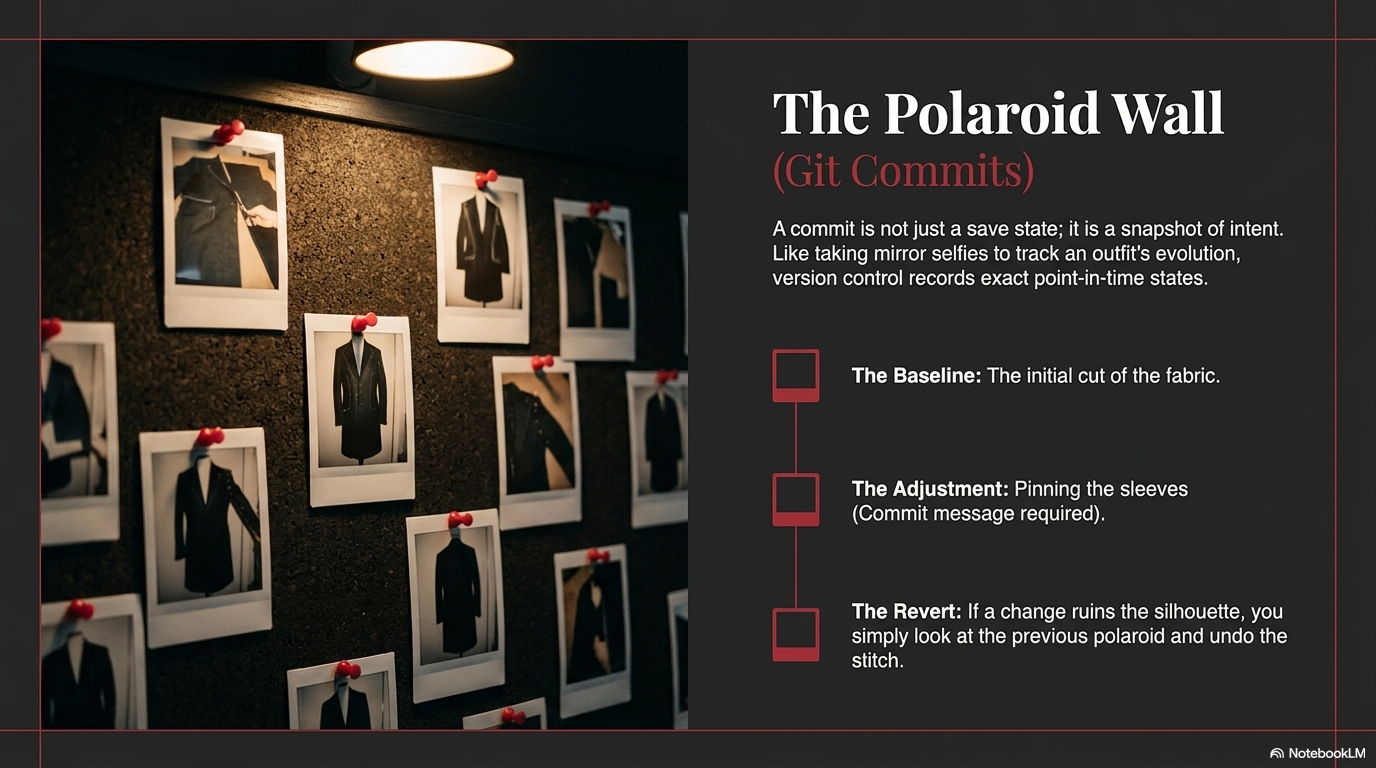
The system for tracking every change to a codebase over time. Explains why version control exists (the “final_final_v3.docx” problem at engineering scale), what commits are, how history works, and how teams use versioning to ship confidently without fear of permanent mistakes.
You should read this if: You have wondered what “we need to roll back” means in a production incident, or you have ever lost work because two people edited the same file at the same time.
What is Git?
The most widely used version control tool. Covers branches, commits, merges, and conflicts in plain English. Explains the difference between local and remote repositories and why the branching model is the key to parallel development at team scale.
You should read this if: Engineers reference Git in every sprint. You want to understand what they mean when they say “I’ll open a PR” or “there’s a merge conflict on main.”
What is GitHub?
Where code lives and teams collaborate. Covers repositories, pull requests, issues, GitHub Actions, and the social layer of software development. Explains how a PR review actually works: what the diff shows, what CI checks run, and what an approval means before code enters production.
You should read this if: You use GitHub as a website to browse code but do not understand the pull request workflow or why some repositories have hundreds of open issues and thousands of stars.
What is Open Source?
Code that anyone can read, use, and contribute to. Covers open source licences (MIT, Apache, GPL), what forking means, how projects like React, PostgreSQL, and Linux were built by distributed teams with no central payroll. Explains why most production software depends on open source foundations.
You should read this if: You have heard that something is “open source” and are unclear whether that means free, modifiable, trustworthy, or some combination of the three.
What is React Native?
Building mobile apps for iOS and Android from a single codebase. Covers how React Native compiles to native components, how version control supports cross-platform development, and why shipping to two app stores from one Git repository changes the economics of mobile product development.
You should read this if: You are evaluating whether to build a mobile product and want to understand the trade-offs between native development and cross-platform frameworks before the conversation with your engineering team.
Why this matters in practice
In sprint planning: Stories move from “In progress” to “In review” to “Done” when code is committed, reviewed in a pull request, and merged. Understanding Git makes the board make sense. You can follow the work, not the person.
In code reviews: Pull requests are where quality happens. Knowing what a diff shows, what automated tests check, and what an approval means lets you participate in the review culture instead of observing it. Product managers can review documentation, copy, and API contracts in pull requests without knowing how to write code.
In incident response: Every production incident ends with someone running git log to find the commit that introduced the problem. Version control is the audit trail. “What changed before the error appeared?” has a precise, searchable answer.
In build versus buy decisions: Every third-party tool your team uses is code in a repository somewhere. Open source tools are auditable. Proprietary tools are not. Knowing how to read a GitHub repository, check the commit history, and look at open issues changes how you evaluate software vendors.
What comes next
Start Level 3: The Infrastructure →
Code runs somewhere. Level 3 covers the infrastructure beneath production software: where data is stored, how servers respond to requests, what the cloud actually is, and how systems talk to each other.
Further reading
- What is Version Control? : commits, history, and rollback explained without Git commands
- What is Git? : branches, merges, and the branching model in plain English
- What is GitHub? : pull requests, issues, and the collaboration layer on top of Git
- Pro Git Book : the complete, free, authoritative reference on Git; chapters 1-3 cover everything a non-engineer needs
- GitHub Skills : interactive courses from GitHub on using the platform, including pull requests and GitHub Actions
- Open Source Guides, GitHub : how to contribute to and maintain open source projects, written by GitHub for practitioners
- Choose a Licence : plain-English comparison of open source licences, from MIT to GPL